Computer Mouse Dermatitis: 6 Key Insights For Diagnosis & Care
Understanding irritant and allergic contact dermatitis from prolonged computer mouse use and effective prevention strategies.
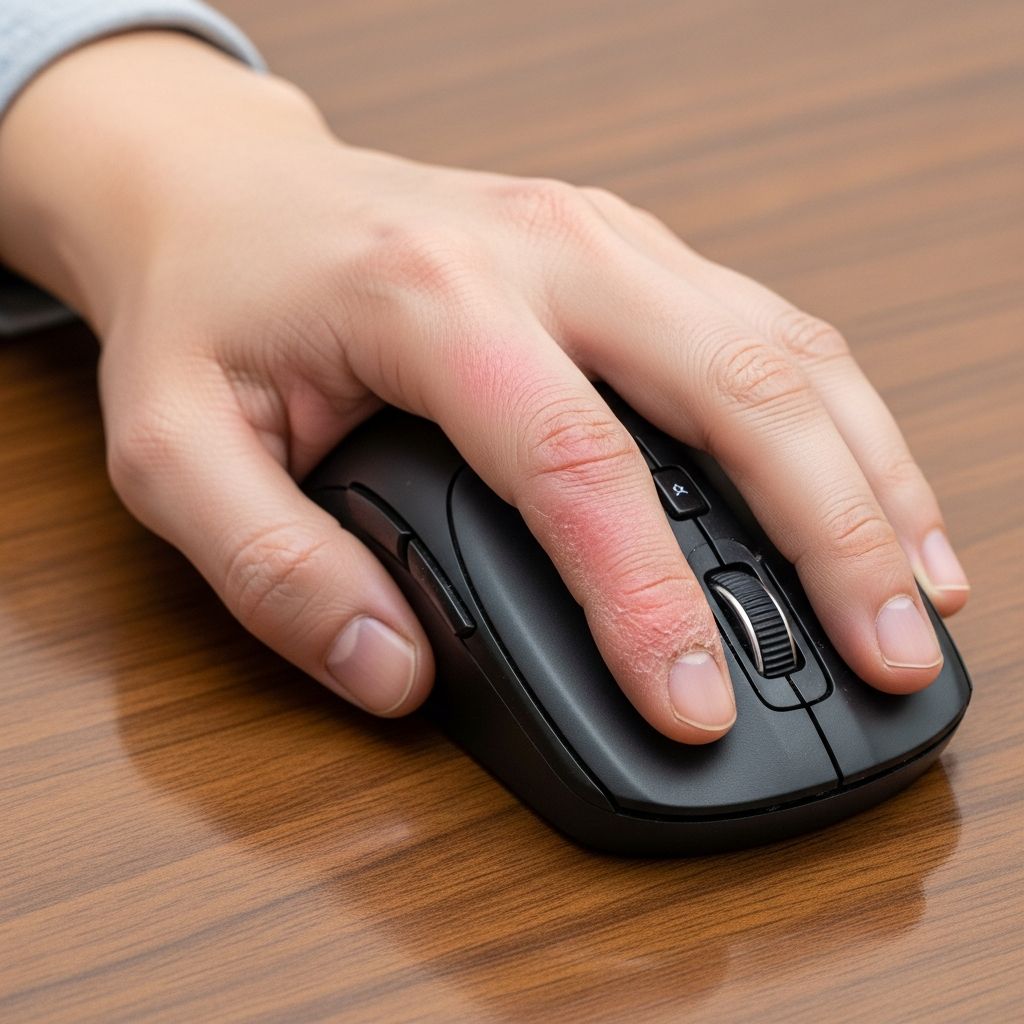
Computer mouse dermatitis refers to a type of
contact dermatitis
affecting the hands, primarily caused by irritants or allergens linked to prolonged use of a computer mouse or mouse pad. It manifests as skin irritation on specific contact areas, often in heavy computer users.What is computer mouse dermatitis?
**Computer mouse dermatitis** is a distinct form of contact dermatitis localized to the hand, resulting from irritants and/or allergens associated with computer mouse or mouse pad use. It predominantly affects the dominant hand due to repetitive contact during extended computer sessions.
The condition falls under two main categories:
irritant contact dermatitis
(most common) andallergic contact dermatitis
(less frequent). Irritant contact dermatitis arises from non-allergic skin damage due to physical and chemical factors, while allergic contact dermatitis involves an immune-mediated reaction to specific allergens.Who gets computer mouse dermatitis? This dermatitis typically impacts office workers, gamers, programmers, and others spending several hours daily on computers. Risk escalates with pre-existing conditions like hyperhidrosis (excessive sweating), atopy (history of eczema, asthma, or hay fever), or prior hand dermatitis.
Causes of computer mouse dermatitis
The primary causes stem from
prolonged contact
with the computer mouse or pad, often involving hours of daily use. Key contributing factors include:- Sweating: Moisture from palms exacerbates irritation, especially in warm environments or with hyperhidrosis.
- Friction and pressure: Repetitive gripping and movement cause mechanical skin trauma, leading to frictional lichenified dermatitis—a thickened, leathery skin response.
- Chemical irritants or allergens: Components in mouse plastics (e.g., phthalates like diethyl phthalate and dimethyl phthalate) or mouse pads (e.g., neoprene rubber containing thiurams, mercaptans, or dialkyl thiourea).
Irritant contact dermatitis develops from cumulative damage without prior sensitization, often presenting as dry, scaling rashes or calluses. Allergic cases require prior exposure to sensitize the immune system, triggering reactions upon re-exposure.
Related conditions from computer use include “mouse fingers” (irritant dermatitis on fingertips from friction against pads), erythema ab igne from laptop heat on thighs, and screen dermatitis from VDT exposure, though these are distinct.
Clinical features of computer mouse dermatitis
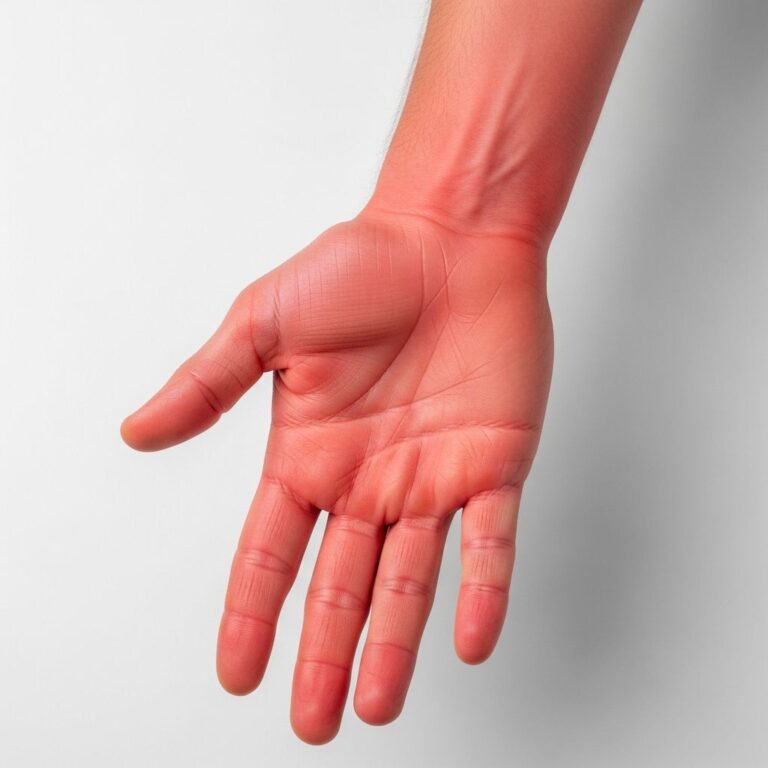
Symptoms appear on the
unilateral palmar hand
(dominant side), sparing the central palm. Commonly affected sites include:- Thenar and hypothenar eminences (mounds at thumb and pinky bases).
- Metacarpophalangeal joint regions.
- Fingertips, especially first and fifth digits in severe cases.
Irritant type: Dry, red, scaling rash; thickened, pigmented plaques; callus formation on wrists/hands; frictional lichenification (e.g., hyperkeratotic wrist patches from mouse rubbing).
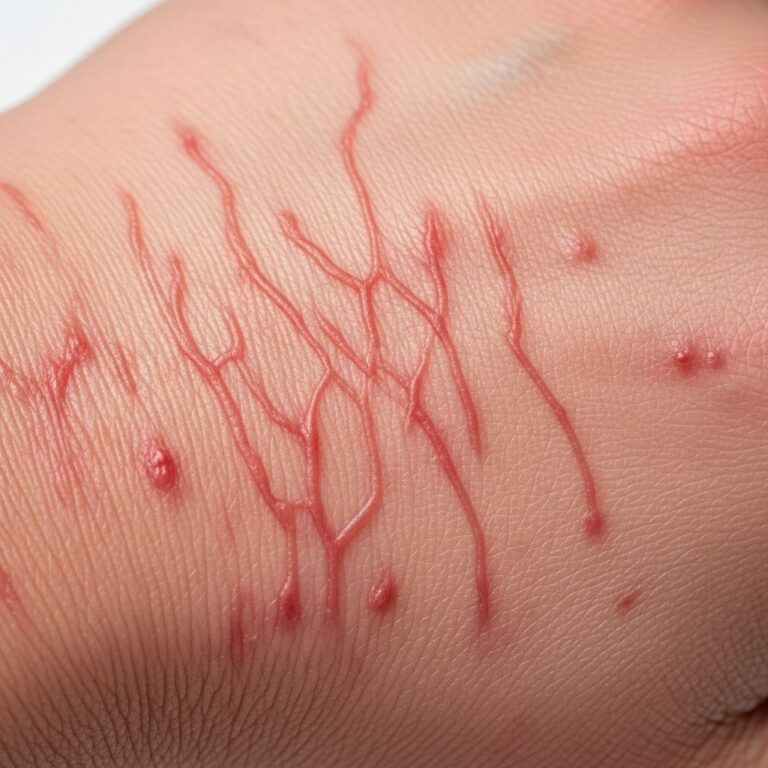
Allergic type: Pruritic (itchy), erythematous (red), vesicular (blistering), scaly patches/plaques on contact areas.
Lesions improve with mouse avoidance and relapse upon resumption, confirming causality. In video gamers, similar palmar erythema, desquamation, chapping, or fissures occur from controllers.
Diagnosis of computer mouse dermatitis
Diagnosis relies on clinical history of prolonged mouse use coupled with characteristic unilateral palmar distribution. Key diagnostic steps:
- History and examination: Confirm heavy computer use (>4-6 hours/day); inspect for contact-site rash.
- Patch testing: Essential to differentiate allergic from irritant types. Tests mouse/pad materials for allergens like phthalates or rubber chemicals. Positive reactions indicate allergy.
- Differential diagnosis: Rule out atopic dermatitis, fungal infections, or psoriasis via biopsy if needed.
Related Stories


Hand diagrams highlighting red (thenar/hypothenar), yellow (MCP joints), and blue (fingertips) zones aid visualization.
Treatment of computer mouse dermatitis
Treatment focuses on
avoidance
, skin protection, and symptom relief. Core strategies:- Minimize contact: Switch to touchpads, trackballs, keyboards, or voice input; reduce daily use.
- Protective measures: Use mouse covers, gel pads, or gloves; keep hands dry with antiperspirants.
- Topical therapies**:
- Emollients (moisturizers) frequently to restore barrier.
- Low-potency topical corticosteroids (e.g., hydrocortisone 1%) for inflammation; 1-2 times daily for days.
- Calamine lotion or cool compresses for itch.
- Severe cases: Oral antihistamines, oral steroids (e.g., prednisone taper), or antibiotics if infected.
Abstinence from gaming/hardware resolves most cases in 7-10 days to months. Natural aids like oatmeal baths or aloe may soothe but lack strong evidence.
What is the treatment for computer mouse dermatitis?
Specific treatments mirror general contact dermatitis management:
| Symptom | Treatment |
|---|---|
| Itch/Redness | 1% hydrocortisone cream 1-2x/day; cool wet compresses 15-30 min several times daily. |
| Dryness/Scaling | Emollients (e.g., petroleum jelly) multiple times daily. |
| Allergic Confirmation | Avoid allergen post-patch test; protective barriers. |
| Infection Risk | Topical/oral antibiotics; avoid scratching. |
Monitor for persistence; consult dermatologist if no improvement.
Prevention of computer mouse dermatitis
Proactive steps reduce risk:
- Ergonomic setup: Vertical mice, padded grips, frequent breaks (20-20-20 rule).
- Hygiene: Wash hands, dry thoroughly; use breathable pads.
- Alternatives: Touchscreens, styluses for prolonged sessions.
- Screen for atopy/hyperhidrosis early.
Frequently asked questions about computer mouse dermatitis
Who is at risk for computer mouse dermatitis?
Individuals with prolonged daily computer use (>4 hours), especially those with sweaty palms, eczema history, or allergies to plastics/rubber.
Does it only affect mouse users?
No, similar rashes occur with keyboards, game controllers, laptops, or tablets from friction/allergens.
How long does it take to develop?
Weeks to months of heavy use; irritant faster than allergic (requires sensitization).
Is patch testing always needed?
Essential if allergy suspected; irritant diagnosed clinically.
Can it be permanent?
Rarely, if untreated; most resolve with avoidance.
What if symptoms persist?
See a GP/dermatologist for patch tests or biopsy.
This comprehensive guide expands on computer mouse dermatitis, drawing from clinical cases and studies. Early intervention prevents chronicity in our digital age.
References
- Frictional lichenified dermatosis from prolonged use of a computer mouse — eScholarship, University of California. 2008. https://escholarship.org/uc/item/9bs5w7c3
- Computer mouse dermatitis — DermNet NZ. Accessed 2026. https://dermnetnz.org/topics/computer-mouse-dermatitis
- Skin in the game: Video-game–related cutaneous pathologies — PMC, National Library of Medicine. 2021-05-27. https://pmc.ncbi.nlm.nih.gov/articles/PMC8144863/
- Contact Dermatitis: Diagnosis and treatment — Mayo Clinic. Accessed 2026. https://www.mayoclinic.org/diseases-conditions/contact-dermatitis/diagnosis-treatment/drc-20352748
- Computer‐related skin diseases — Wiley Online Library, Contact Dermatitis Journal. 2003-08-01. https://onlinelibrary.wiley.com/doi/full/10.1034/j.1600-0536.2003.00085.x
- Contact dermatitis – NHS — National Health Service (UK). Accessed 2026. https://www.nhs.uk/conditions/contact-dermatitis/
Similar Articles






Read full bio of medha deb