Smart Glasses And Eye Health: 5 Common Symptoms And Fixes
Discover how wearable tech like smart glasses impacts vision and learn strategies to safeguard your eyes from strain.
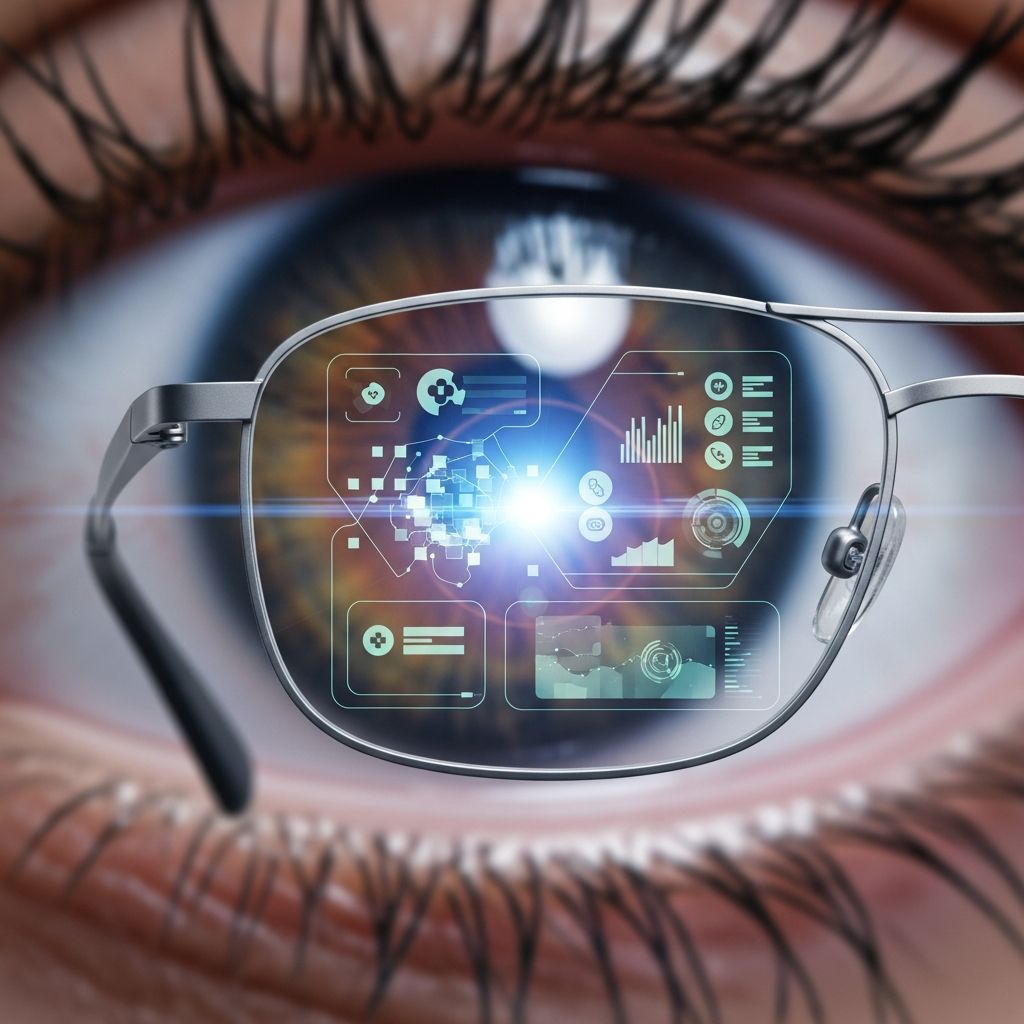
Wearable technology, particularly smart glasses, has revolutionized daily interactions with digital information, but it also introduces unique challenges to eye health. These devices, positioned directly in the line of sight, can lead to prolonged near-focus viewing, potentially causing digital eye strain, dryness, and other vision issues if not managed properly.
Understanding Wearable Tech’s Visual Demands
Smart glasses overlay digital content onto the real world, requiring users’ eyes to constantly shift focus between near displays and distant objects. This continuous accommodation strains the ciliary muscles responsible for lens adjustment, leading to fatigue over time. Unlike traditional screens, the proximity and persistence of these displays amplify the effect, as the eyes remain engaged without natural breaks.
Key factors contributing to this include reduced blink rates during use—often dropping below the normal 15-20 times per minute—and exposure to blue light emissions from micro-LED or OLED projectors. These elements mirror broader digital eye strain symptoms but are intensified by the hands-free, always-on nature of smart glasses.
Common Vision Symptoms from Smart Glasses
- Dryness and irritation: Prolonged wear decreases blinking, reducing tear film distribution and causing discomfort.
- Blurred vision: Constant refocusing leads to temporary myopia-like effects.
- Headaches: Tension from eye muscle overuse radiates to the forehead and temples.
- Neck and shoulder pain: Awkward head positioning to optimize display viewing adds musculoskeletal strain.
- Sleep disruption: Evening use emits blue light, suppressing melatonin production.
These symptoms, collectively known as computer vision syndrome, affect up to 90% of heavy digital device users, with smart glasses users at higher risk due to extended wear periods.
Optimizing Your Setup for Comfort
Proper configuration minimizes strain. Position the glasses to align displays centrally in your field of view, avoiding tilted or peripheral placements that force eye deviation.
| Aspect | Recommendation | Benefit |
|---|---|---|
| Display Brightness | Match ambient lighting; avoid maximum settings | Reduces glare and pupil dilation stress |
| Font Size | Increase to comfortable readability | Less squinting and accommodation effort |
| Viewing Distance | Maintain natural gaze; use adjustable frames | Prevents excessive convergence |
| Anti-Reflective Coating | Apply to lenses if applicable | Minimizes reflections and scatter |
Proven Strategies to Combat Eye Strain
Incorporate the 20-20-20 rule: every 20 minutes, gaze at an object 20 feet away for 20 seconds. This relaxes the eyes’ focusing mechanism, countering the near-work demands of smart glasses. Set device timers or use companion apps for reminders.
Enhance blinking awareness through conscious practice or environmental cues like screen overlays that prompt closure. Artificial tears, preservative-free lubricating drops, provide immediate relief for dryness, especially beneficial for contact lens wearers.
Blue Light Mitigation Techniques
Activate built-in night modes or filters to cut high-energy visible light, particularly after sunset. Pair with software updates that include circadian-friendly profiles. For added protection, consider clip-on filters tuned to block 400-455 nm wavelengths.
Related Stories



Ergonomic Integration in Daily Use
Treat smart glasses as an extension of your posture. Maintain an upright head position with shoulders relaxed, using supportive seating during extended sessions. Integrate movement breaks: stand, stretch, or walk every hour to alleviate forward head posture risks.
Workspace lighting should be diffuse and even, preventing stark contrasts between the real environment and virtual overlay. Desk lamps positioned behind or to the side reduce direct glare on glasses lenses.
Lifestyle Factors Enhancing Eye Resilience
- Hydration: Aim for 8-10 glasses of water daily to sustain tear production.
- Sleep hygiene: Cease smart glasses use 1-2 hours before bed; opt for dim red-toned lighting.
- Nutrition: Consume omega-3-rich foods like salmon and walnuts, plus leafy greens for lutein and zeaxanthin, antioxidants shielding the retina.
Regular aerobic exercise improves ocular blood flow, aiding recovery from strain.
Advanced Wearable Features for Eye Protection
Modern smart glasses incorporate gaze-tracking to auto-dim during blinks or pauses, dynamically adjusting content based on eye fatigue indicators. Some models pause notifications during detected strain patterns, promoting natural rest cycles.
Firmware updates often include blink-rate monitors alerting users to conscious exercises. Pairing with health apps tracks cumulative wear time, suggesting mandatory downtimes.
When to Consult an Eye Specialist
Persistent symptoms warrant professional evaluation. Optometrists can assess for underlying issues like uncorrected refractive errors exacerbated by wearables. Annual comprehensive exams establish baselines, with specialized tests for binocular vision and accommodation amplitude.
For contact lens users, discuss daily disposables or high-oxygen materials suited to extended digital exposure.
FAQs on Smart Glasses and Vision
Do smart glasses damage eyes permanently?
No evidence supports permanent damage from proper use; symptoms are typically reversible with breaks and adjustments.
Are blue light glasses necessary with smart wearables?
Helpful as a supplement, but prioritize built-in filters and usage limits first.
How long is safe for continuous smart glasses wear?
Limit to 2-4 hours with breaks; tailor to personal tolerance via symptom monitoring.
Can children safely use smart glasses?
Supervise closely; developing eyes are more vulnerable—restrict to short sessions.
What if I experience headaches only during use?
Check fit, alignment, and prescription needs; rule out migraine triggers with a doctor.
Future Innovations in Eye-Safe Wearables
Emerging tech promises holography at infinite focus distances, eliminating vergence-accommodation conflict. AI-driven adaptive displays and biofeedback loops will personalize protection, making strain a relic of early adoption.
Research into waveguide optics reduces weight and light scatter, while integrated moistening tech mimics natural tears.
References
- Computer Vision Syndrome (Digital Eye Strain): What It Is — Cleveland Clinic. 2023-10-12. https://my.clevelandclinic.org/health/diseases/24802-computer-vision-syndrome
- Eyestrain – Diagnosis and treatment — Mayo Clinic. 2024-05-18. https://www.mayoclinic.org/diseases-conditions/eyestrain/diagnosis-treatment/drc-20372403
- Computer Vision Syndrome – Digital eye strain — Cedars-Sinai. 2023-11-05. https://www.cedars-sinai.org/health-library/diseases-and-conditions/c/computer-vision-syndrome.html
- 10 Tips for Preventing Digital Eye Strain — Valley Eye & Vision Clinic. 2024-02-14. https://valleyeyeandvision.com/10-tips-for-preventing-digital-eye-strain/
- Understanding Digital Eye Strain: Causes, Symptoms, & Prevention — Blake Bush Family Eyecare. 2024-01-22. https://www.blakebushfamilyeyecare.com/blog/understanding-digital-eye-strain-causes-symptoms-and-prevention
Similar Articles







Read full bio of Sneha Tete